Hakamel

Categories
Project IT

Visual Merchandise

Visual Merchandise

This is my IT multimedia merchandise project featuring envelopes and “Minimalist Outdoor Merchandise” apparel.
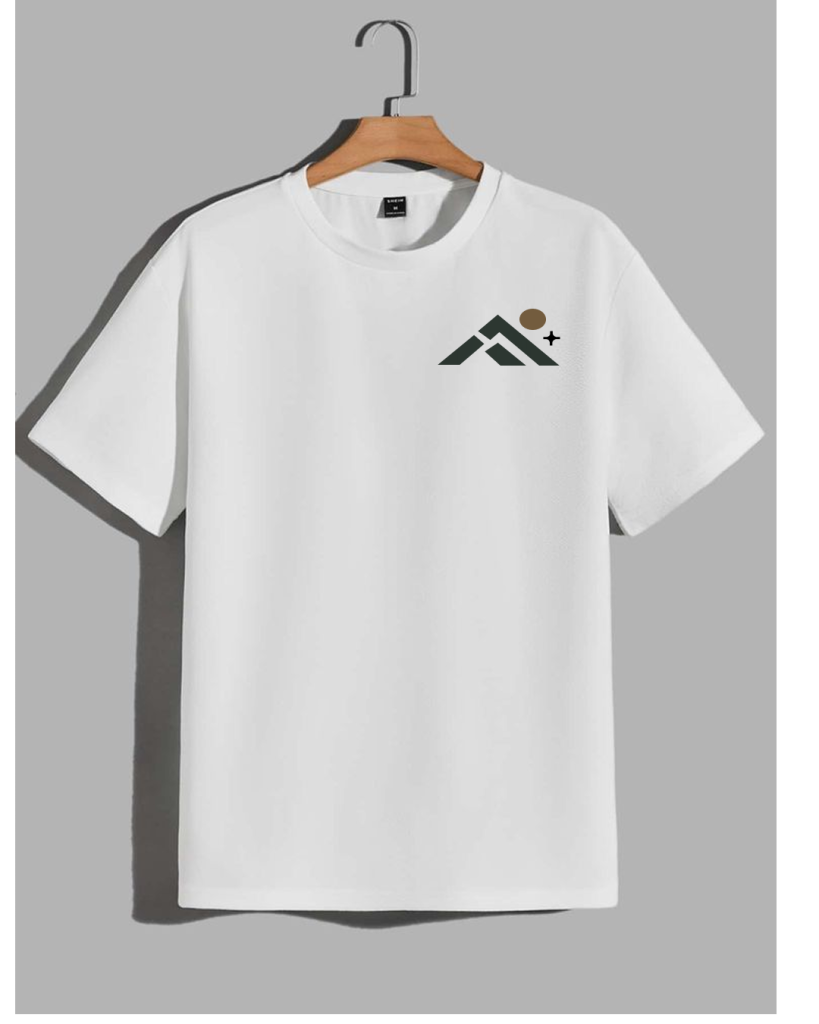
The white T-shirt design features a small mountain logo on the left chest. The logo utilizes a combination of dark gray and creamy brown, creating a look that is simple, modern, and elegant.
Vibe: minimalist, clean, and suitable for everyday wear.

The poster features a blue gradient background adorned with crescent moon, star, and decorative line motifs. The text “EID MUBARAK” serves as the focal point, complemented by an illustration of a person in green attire set against a golden arched backdrop.
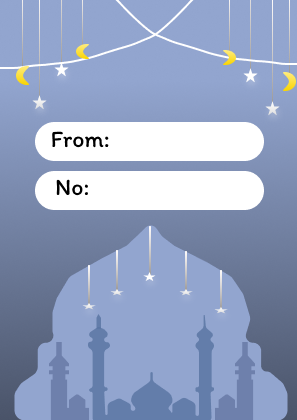
Vibe: festive, warm, and Islamic. The card uses a blue color scheme with crescent moon and star ornaments hanging from the top. It includes “From” and “No” fields for sender or recipient details, along with a mosque silhouette at the bottom.
Vibe: simple, neat, and perfect for Eid al-Fitr greeting cards.

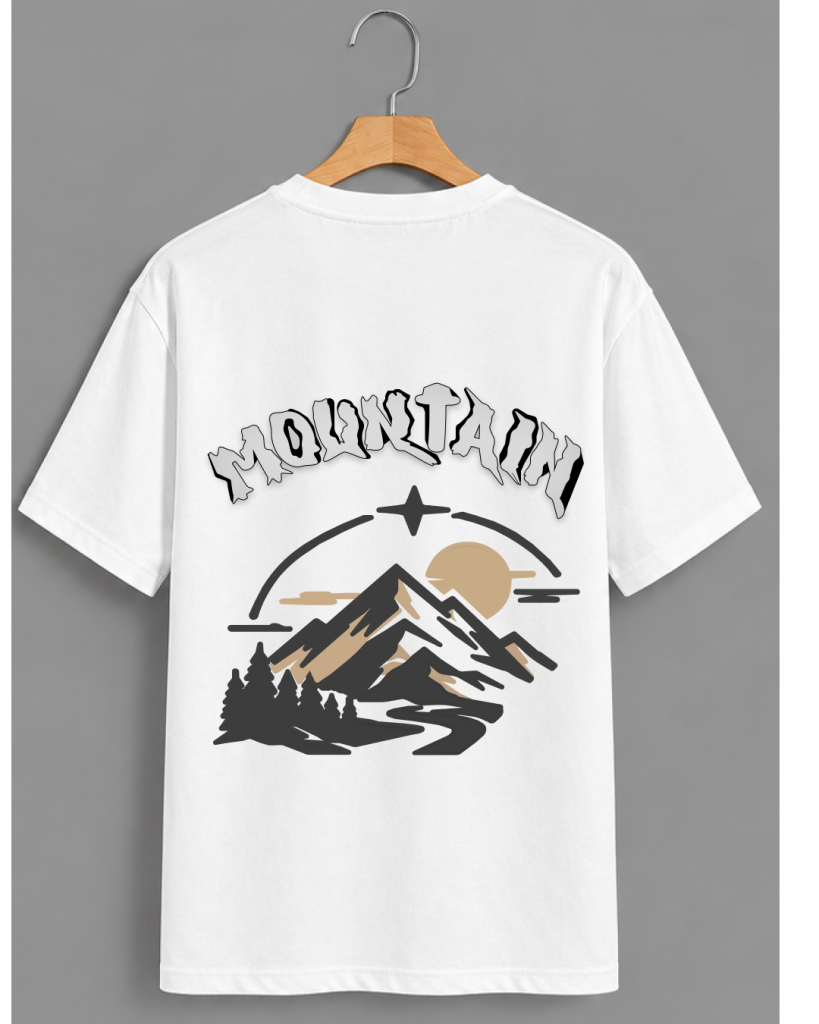
The back of the T-shirt displays an illustration of a snow-capped mountain with trees, a creamy-brown sun, curved lines, and a winding road. Decorative-style lettering at the top reinforces the design’s identity.
Vibe: adventure, freedom, and a connection to nature.
Categories
Project IT

TinyBit Hand gesture

TinyBit Hand Gesture

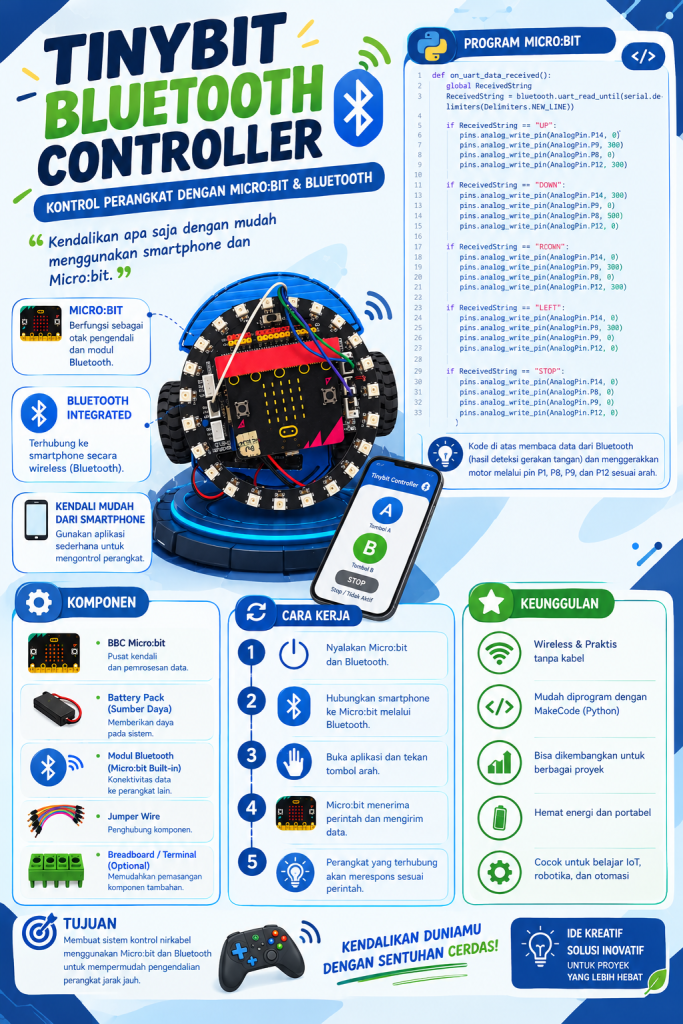
This is my IT project, “TinyBit Hand Gesture.” It is a technology project that combines the Tinybit robot car with hand gesture recognition technology. The system allows users to control the robot’s movement using hand gestures that are detected by a camera and processed via a computer program. When the user moves their hand upward, the robot receives an “UP” command. Other hand gestures can be used to issue “DOWN,” “LEFT,” “RIGHT,” and “STOP” commands. The system then transmits these commands to the Tinybit robot, causing it to move according to the instructions.

Categories
Project English

IT Presentation

IT Presentation

An IT presentation is a session focused on explaining technology-related concepts or skills to an audience. The content covers topics such as digital design, including the use of specific tools like the Fill Tool and Text Tool. Following the slide-based explanation, the presenter demonstrates the practical use of design software on a computer, enabling the audience to understand the functions of various digital design features and learn how to use them firsthand. This activity also fosters the development of public speaking abilities, technological understanding, and practical digital skills.